
OnlyFans has no public search bar, so finding legitimate zero-dollar pages takes deliberate external work. This guide answers that problem directly: you will learn which outside channels list free accounts, how to verify a page is real before subscribing, and how to protect privacy while looking. The platform offers no directory, no category filter, and no free tab, so every discovery path runs through third-party sites and community boards. Below is a security-first method drawn from the BestOnlyFans ranking methodology.
A creator sets the base subscription to $0 and earns through pay-per-view messages and tips instead. That model is legitimate and common, but it also attracts impersonators who copy a creator’s imagery and redirect visitors to fraudulent checkout pages. Knowing how the pricing model works is the first filter you can apply. BestOnlyFans refreshes its rankings every month.

Why Platform Search Cannot Help Free Seekers
There is no built-in discovery feed, no directory, and no way to filter accounts by price. That omission is architectural rather than accidental, since the company positions itself as a hosting and payment layer and leaves audience acquisition to creators.
For someone hunting free pages, the practical result is a gap in three specific places. You cannot search by name reliably, you cannot filter by subscription price, and you cannot browse a free category because none exists. Those three missing functions are exactly what external ranking sites try to fill.
| Platform Limitation | User Impact | External Solution |
|---|---|---|
| No internal search bar | You cannot look up a creator by handle or keyword | Ranking sites and link aggregators that index handles |
| No price filtering | You cannot isolate $0 pages from paid ones | Curated lists that tag pages by subscription tier |
| No free page category | There is no browse path that surfaces zero-dollar accounts | Community boards and newsletters that track free pages manually |
If the platform had a discovery layer, those sites would have far less reason to operate. Their presence is a signal that the gap is real and persistent, and it tells you where the verification burden sits: with you, not with the platform.
External Discovery Channel Landscape
Discovery channels fall into a handful of recognizable categories, and each one has a different reliability profile. Some are curated by editors, while others are open boards where anyone can post, which means quality control is minimal or absent.
- Algorithmic ranking sites that sort pages by traffic or engagement signals
- Creator-curated link aggregators built and maintained by the creators themselves
- Niche community forums with their own verification requirements for posted links
- Social media bio link threads where creators list their own pages
- Discord server directories organized by topic or region
- Newsletter-based discovery services that send periodic roundups
- Content creator cross-promotion networks where accounts recommend each other
The strongest signal in this landscape is self-promotion from a verified social account. If a creator links their own page from a profile you can independently confirm, the link is almost certainly authentic. Aggregators are useful for breadth, but they introduce a middleman who may or may not have checked anything.

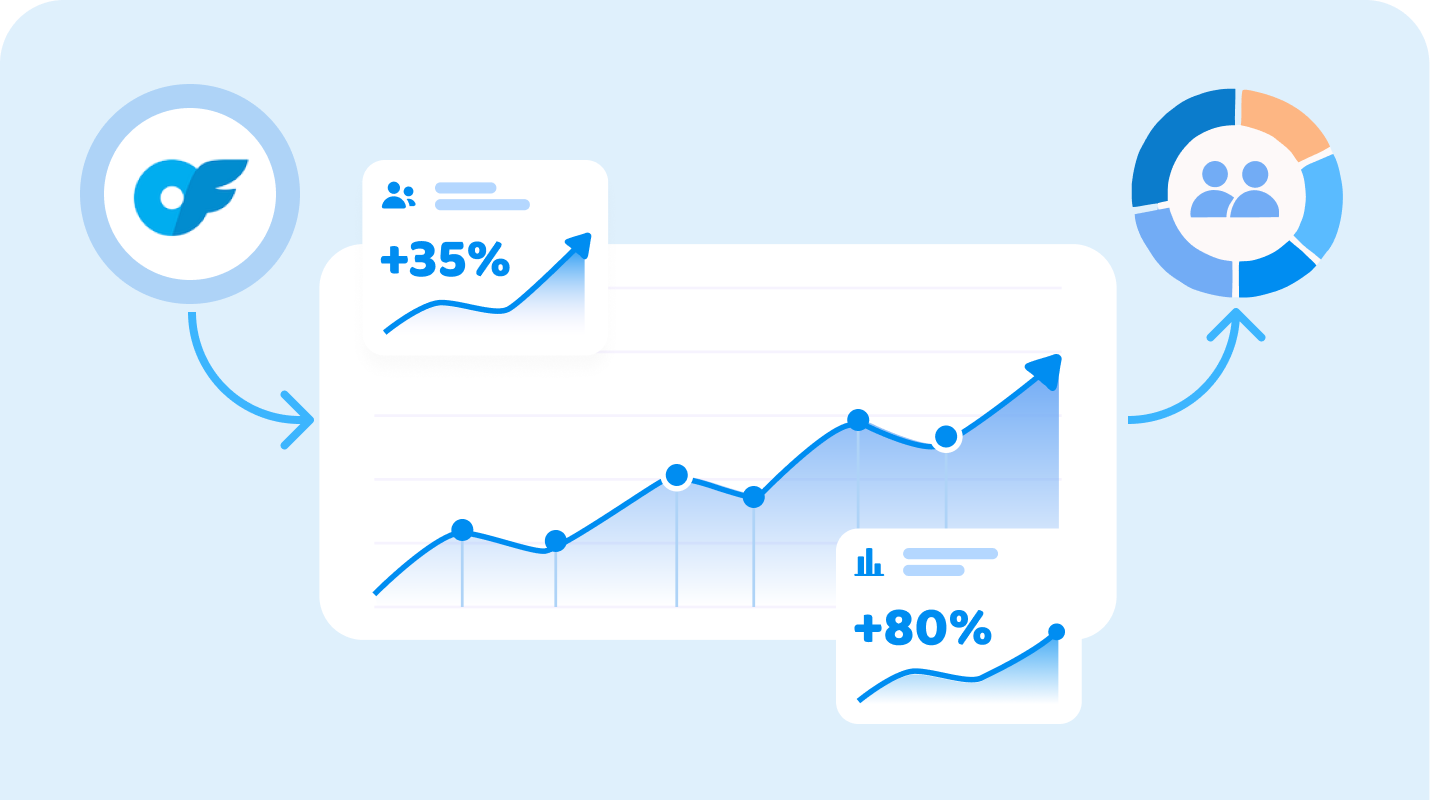
Understanding the size of the platform helps set expectations for how many free pages exist. Growth charts from subscriber guides show sustained expansion, which means the pool of creators is large and the number of zero-dollar pages scales with it. A large pool also means a large number of impersonators, so volume cuts both ways.
Tip: before trusting any aggregator, check whether it dates its listings. A directory that shows when each link was last verified is far more useful than one that displays undated entries.
Verification Protocols for Account Authenticity
Run these steps in order and stop as soon as one fails. A page that clears all six has earned a reasonable level of confidence.
- Open the OnlyFans domain directly rather than clicking a shortened or redirected link.
- Compare the creator’s social media handles across every platform they claim to use.
- Look for platform verification badges where the creator has them enabled.
- Cross-reference posting dates to confirm the accounts are active in the same period.
- Examine engagement patterns for signs of organic growth rather than purchased spikes.
- Interact minimally at first — a follow or a single message — before committing anything.
Step one matters most because redirect chains are where most impersonation happens. A link that passes through two or three unrelated domains before landing on a profile page is a link you should treat as hostile until proven otherwise. Typing the handle into the platform directly removes that entire risk layer.

Discovery work involves visiting unfamiliar sites and logging in more often than usual, and stronger account security limits the damage if a credential leaks.
Red Flags in Promotional Discovery
Fraudulent promotion follows patterns, and the patterns repeat because they work on unprepared visitors.
- Domains that imitate OnlyFans branding without being the actual platform
- Immediate payment demands framed as access to a supposedly free page
- Requests for excessive personal information before any content is shown
- Guarantees about specific content that no legitimate page would promise upfront
- Urgent countdown timers pressuring you to act within minutes
- Profile imagery copied from a real creator with small alterations
- Comment sections that are disabled or heavily moderated to hide complaints
- No traceable social media presence behind the advertised account
The payment angle deserves special attention because it is where money actually leaves your account. The card verification hold of $0.10 is a separate, refundable check that the platform itself processes, and it returns within days. Any request for a larger sum described as “verification” is a scam indicator.
Similarly, be careful with paid chat pricing. Legitimate paid chat commonly runs $3 to $5 per message, and pay-per-view unlocks can reach $50. Those are normal figures on paid pages, but a free page demanding an upfront payment before you can view anything is not operating within that structure.
Privacy Protection During External Exploration
Every third-party site you visit during discovery collects something: your IP address, your browser fingerprint, sometimes your email.
- Use a dedicated browser profile for discovery, with tracking and ad blockers installed.
- Route traffic through a VPN so your approximate location is masked.
- Register on unfamiliar sites with a separate email address you do not use elsewhere.
- Isolate payment methods by using virtual card numbers rather than your primary card.
- Keep social accounts used for cross-verification separate from personal profiles.
Browser separation is the highest-value step because it prevents cross-site tracking from linking your discovery activity to your everyday browsing. A VPN adds a layer on top, but it does not replace the browser profile discipline.

Revenue distribution on the platform explains why so many creators run free pages. The platform takes a 20% fee on everything and the creator keeps 80%, so a free page with steady tips and pay-per-view unlocks can outperform a low-priced subscription page.
Cross-Referencing for Confidence
Triangulation means checking the same claim in multiple independent places and looking for agreement.
- Match price claims across at least two ranking sites before believing either one.
- Compare content preview descriptions to see whether they contradict each other.
- Align update frequency reports — a page described as daily in one place and dormant in another needs scrutiny.
- Check subscriber counts where they are publicly visible and see whether the figures are consistent.
There is no shortage of legitimate free pages, so there is no reason to spend time resolving contradictions on a single questionable listing.
For readers exploring listings in specific regions, resources such as free onlyfans norway collect regional pages in one place and can serve as one triangulation source rather than your only one. Use it alongside a second directory and the creator’s own social profile before you commit any information.
Paid subscriptions range from $4.99 at the minimum to $49.99 at the maximum, and most paid pages sit between $4.99 and $15 with averages clustering around $5 to $10. Promotional first months can legally drop below $4.99, but the base price itself never falls below the minimum.

Price changes are another thing to track. When a creator raises their price, auto-renew stops and existing access continues until the paid period ends. That behavior matters for free pages that later introduce a paid tier, because subscribers are not silently charged more.
Documentation and Tracking Systems
Once you have verified a handful of legitimate free pages, keeping records prevents repeating work and helps you notice when a page changes status. A simple personal database is enough.
| Tracking Element | Recommended Tool | Review Frequency |
|---|---|---|
| Discovery date | Spreadsheet column | On entry |
| Verification method used | Short note field | On entry |
| Current page status | Status column with fixed values | Monthly |
| Price history | Dated log entries | On change |
| Content quality notes | Free-text field | Quarterly |
Review frequency matters more than tool choice. A monthly status pass catches pages that have gone dormant, switched to paid, or been deleted. Quarterly quality notes help you decide which pages are worth keeping in your rotation.
BestOnlyFans applies a ranking methodology that weighs verification signals alongside listing freshness, which is why dated entries matter across every source you consult. The same principle applies to your own records: dated notes beat undated impressions.

FAQ
How can I tell if a free OnlyFans page link is legitimate before clicking?
Check the destination before you click. Paste the handle into the platform directly rather than following a redirect, and confirm the creator’s handle matches across their other social profiles.
Do ranking sites ever list fake or scam OnlyFans accounts?
Sites that date their entries and describe a verification process are more reliable than undated lists. Treat any single directory as one data point rather than a final answer.
What personal information should I never share when looking for free pages?
Never share government identification, banking credentials, or your primary email password with a third-party discovery site. The only payment-related charge the platform itself applies is the $0.10 card verification hold.
Can I trust free OnlyFans pages promoted through social media ads?
Paid advertisements are a weak signal of legitimacy because anyone can buy placement. Verify the advertiser’s identity through their organic social presence before clicking, and never enter payment details on a page reached through an ad.

Finally, know how to leave. The cancellation dialog lists reasons and confirms the action in a few steps, and free pages cost nothing to abandon. If a page you verified later changes its model or its behavior, cancel and remove it from your tracking sheet rather than leaving it in place.